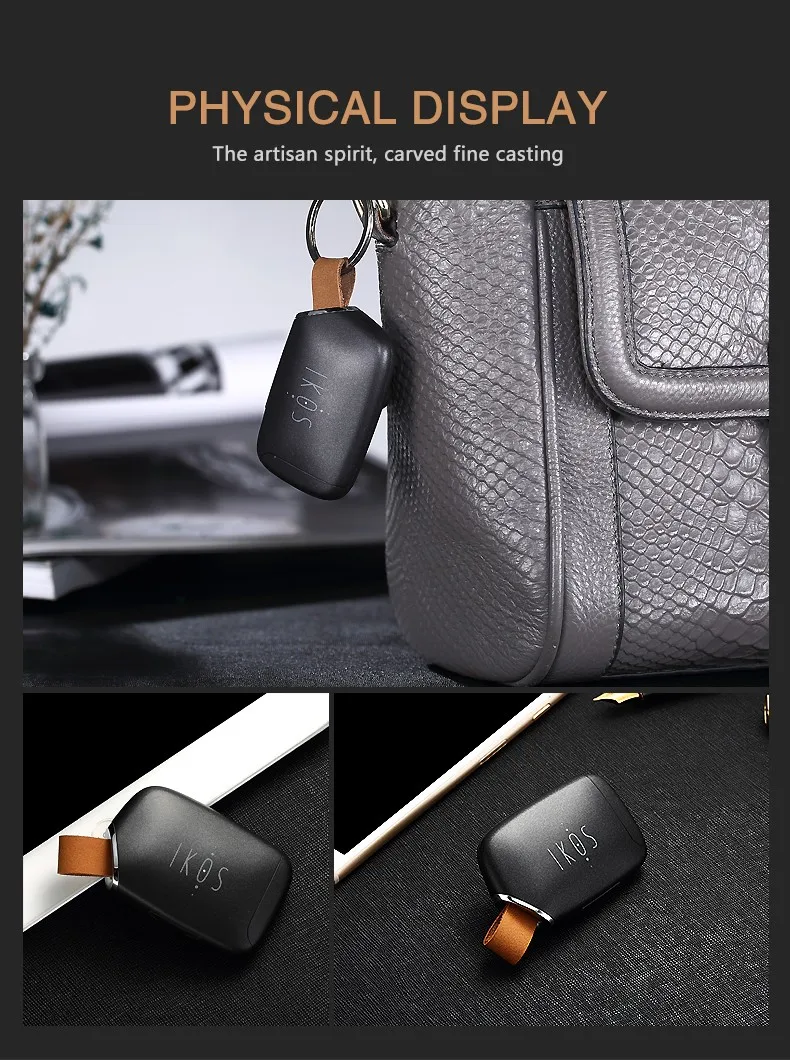


Ikos 2 Active Sim Cards Adapter For Iphone Dual Sim Cards Bluetooth Adapter For Iphone13pro Max Ipod Ipad Iphone12 Iphone6,7,8
Inhouse product






1. Product description
Smart Apple Auxiliary card is a new product that combines Bluetooth with MODEM. Bluetooth is used to connect with Apple device, and IOS App is used to realize the voice call and SMS function of Apple device with SIM card expansion. In particular, users can use one mobile phone to realize dual card and dual waiting function.
2. Product overview
1-- Switch button, long press 5 seconds to start up, long press 3 seconds to shut down
2-- Selfie button: Click to take a photo
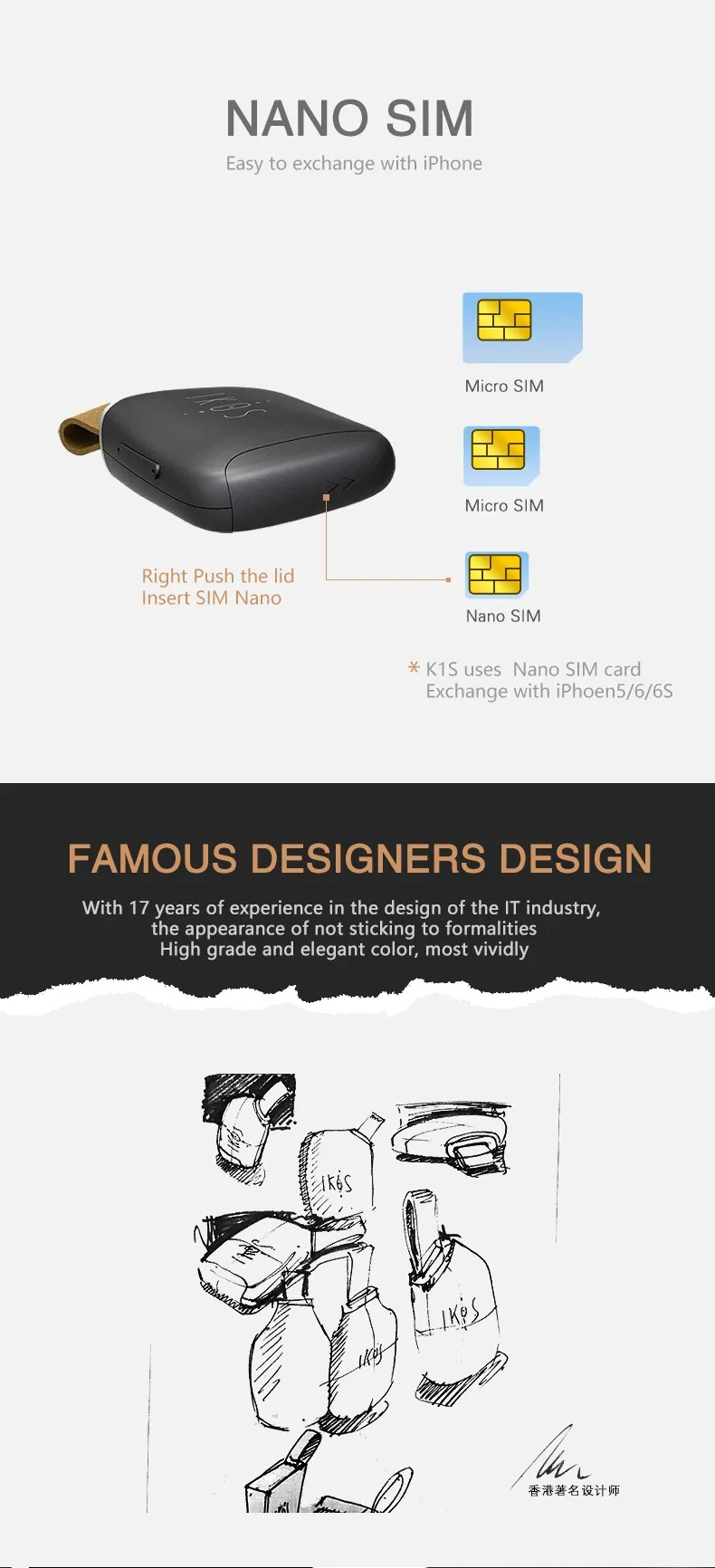
3-- SIM card slot, Nano SIM card
4-- Micro USB charging hole
3. Functional requirements of APP software
1. The Bluetooth version of iOS device is 4.0 (iPhone4S+), and the iOS version is iOS7.1+
2. Supports only Unicom/mobile GSM networks, calls and short messages, but not data functions
3. Cloud service functions supporting calls and short messages, that is, when the product is disconnected from the mobile phone, calls and short messages can be pushed to the APP client through the cloud service to prevent missed calls and messages. Note: This cloud service feature requires data traffic using a SIM card!
4. Support multiple languages (tentative: simple and complex Chinese, English)
5. Support the reminder function for users to connect to the device through Bluetooth (after successful connection of the App, the pop-up window in the App will show successful connection)
6. With the loss alarm function, when the product is lost, the product can be quickly found by the location of the phone when it is disconnected from the product for the last time (this function needs to open the location service of the phone).
7. It has the function of reading the original address book of the mobile phone and the function of synchronizing the address book
8. Support display device phone number, communication provider name and device power
4. Product specifications
I. Hardware Functions:
1. Apple mobile phone requires iPhone4S or above and connects to iOS system through APP (requires ios 7.1 or above system).
2, BT Blue tooth module signal transmission maximum distance of 10 meters, support Class I standard
3, support more than 450MAH capacity of the battery, to support not less than 4 hours of talk and more than 48 hours of standby
4. Connector: SIM card Type: Nano SIM card
USB port type: MICRO USB
5. Key function:
Key 1: Long press 3 seconds to control the power switch (ON/OFF); Disconnect short press to cancel the buzzer alarm;
Button 2: In the connected state, long press for 3 seconds to find the mobile phone; In the connected state, press to open the camera, and then press to take remote photos.
Two, MODEM performance indicators:
1. Network type: GSM
2. Network frequency band: GSM850MHz/EGSM900MHz /DCS1800MHz/ PCS1900MHz global frequency band
5. Instructions
1. First, turn on the Bluetooth function of your IOS device
2. Please search for APP "IKOS" in Apple App Store and download and install it
3. Long press the power button for 4 seconds, and the indicator light flashes alternately red and green to enter the pairing mode
4. Enter IKOS APP -> Settings -> and find IKOS products in scanning devices (Note: the pairing is done in IKOS APP, not in the Blue tooth function of iOS devices!)
5. Click the device, when the device is shown to be connected, the red light goes off and the green light flashes. If the green light flashes once every 6 seconds, it means that GSM is registered and can be used normally
Problems and solutions
1. Can't find the App or the App doesn't work properly?
Ensure that the iOS version of the phone is at least 7.1 and the Bluetooth hardware is 4.0.
Ensure that the iPhone is later than iPhone4s.
Please make sure you have selected the correct App to download and install.
Ensure that Bluetooth is enabled on the iOS device.
2. The product can't receive text messages or calls?
Please ensure that the product is connected to the mobile phone normally and is within the working distance (within 10 meters).
Please ensure that the product is successfully registered with the mobile network. The corresponding operator information is displayed in the upper left corner of the App, and the green LED light blinks slowly.
Please ensure that the battery is sufficient.
Please download and install the APP again and reconnect.
Please try to turn off Bluetooth, restart the phone and turn it on again.
3. How long does a charge take?
Normally it takes about 2 hours.
The red light will be on when charging, and the green light will be on when full.
4. How long will it last after a full charge?
Continuous call duration: ≤4 hours
Standby time: 48 hours
advice
1. Directly use a Nano SIM card.
2. Install the SIM card in the shutdown state
The corresponding battery power icon is displayed in the upper right corner of the App.
For a better user experience, please remember to charge your product in time.